RandomPlayer
Your video library, rediscovered.
Connect to your NAS or network share, hit shuffle, and let your favorite videos find you again. Browse, download, watch offline -- all beautifully native on every Apple device.
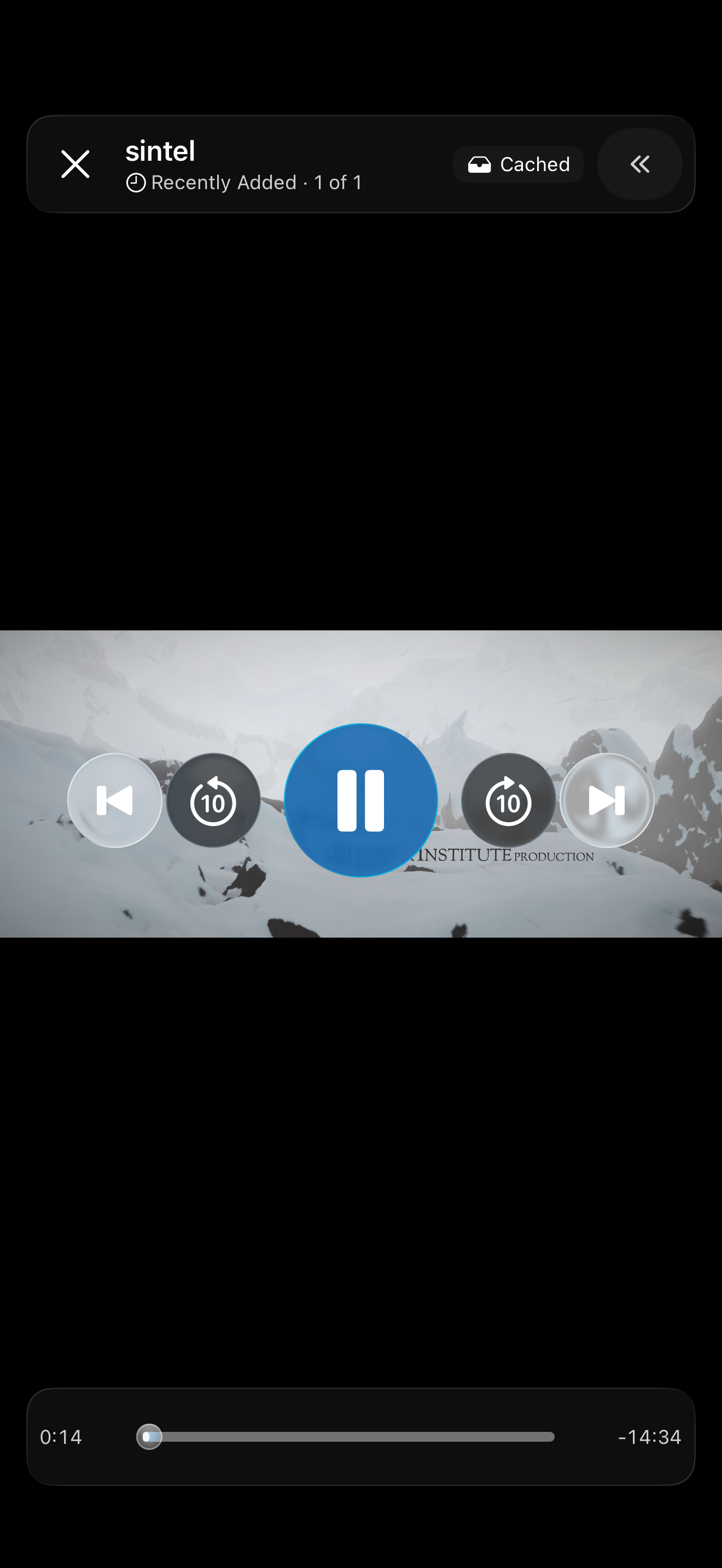
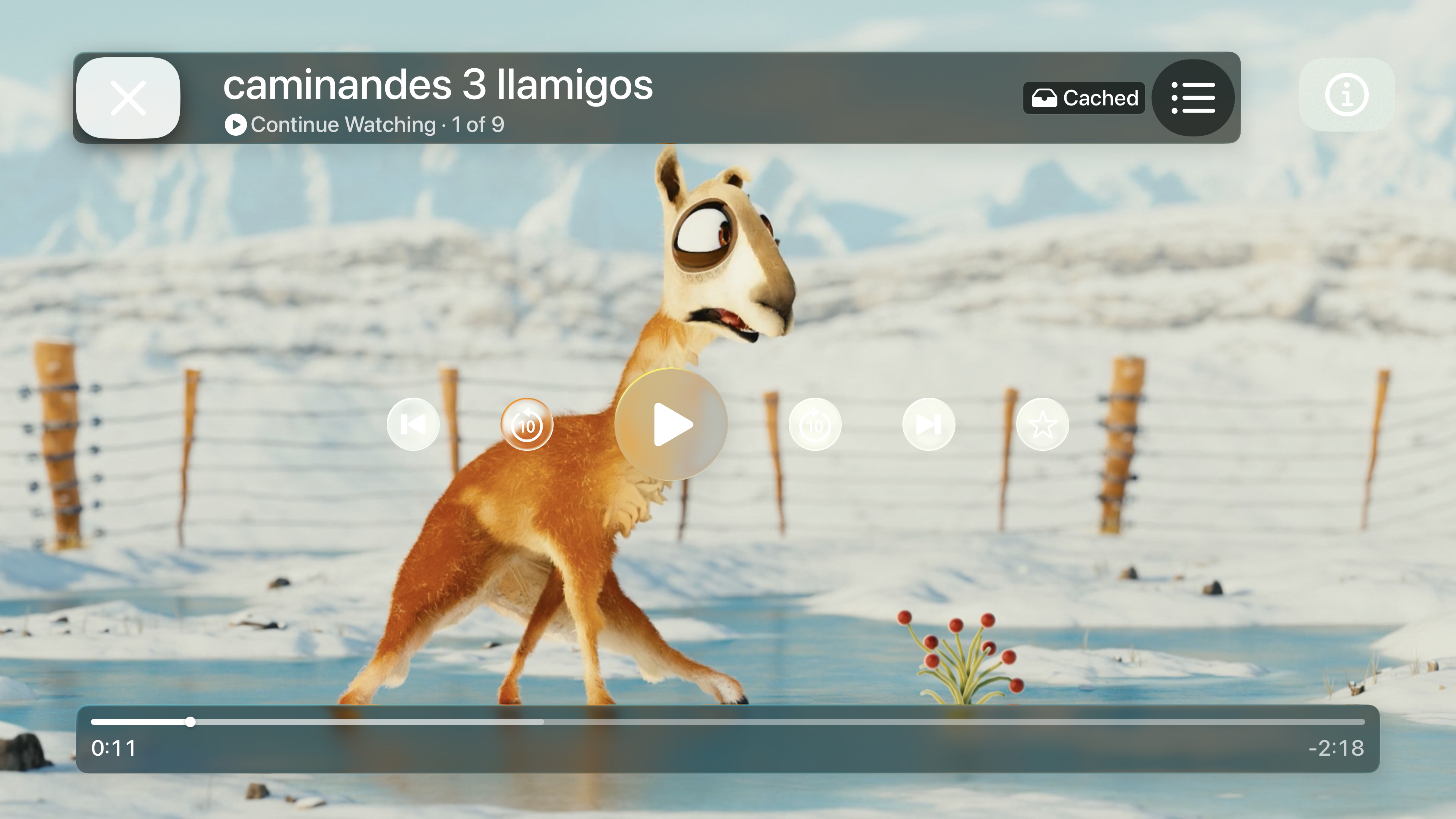
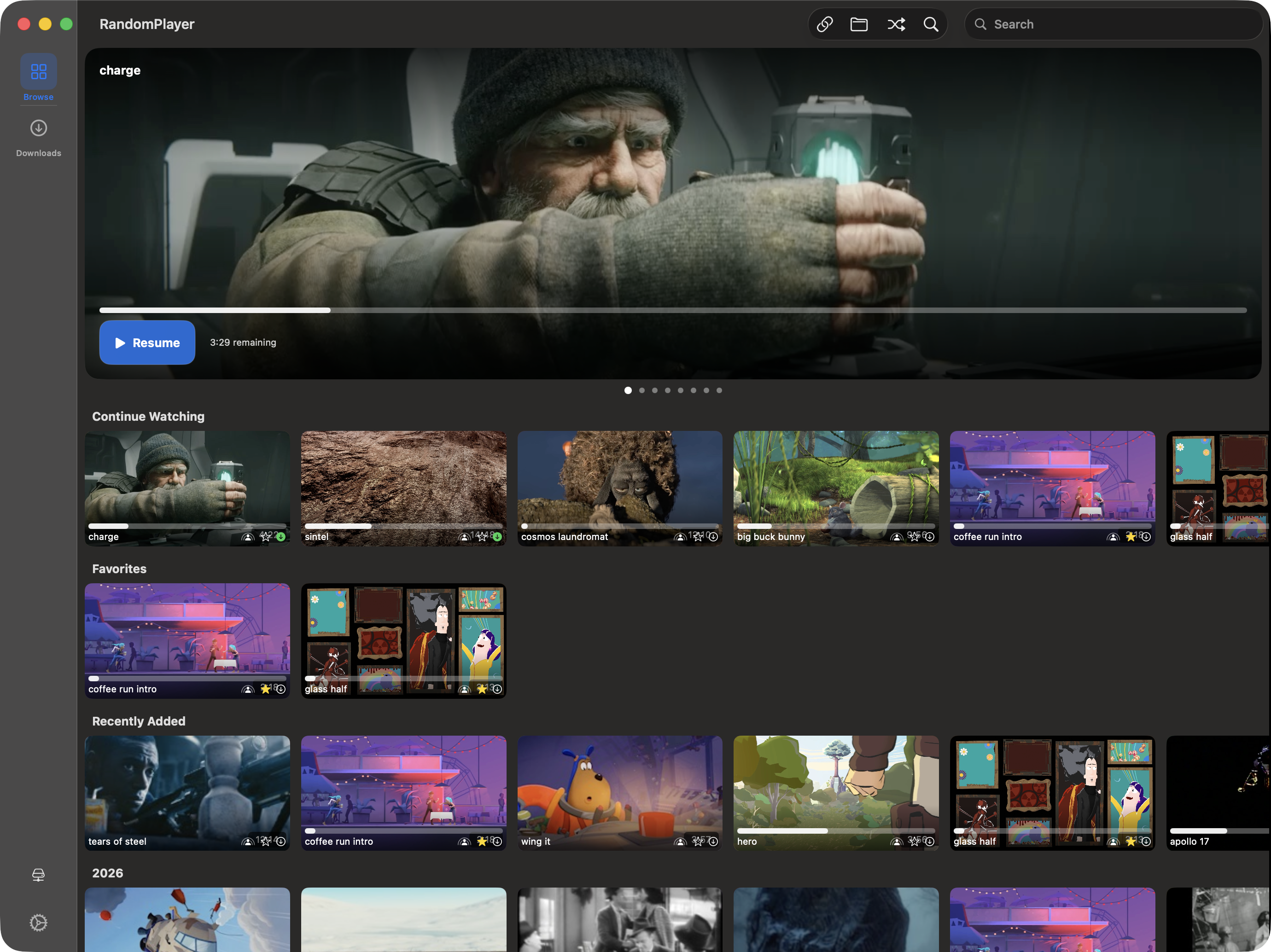
Your library, wherever you are.
Take it with you on a drive, reach it through SMB over QUIC, and browse it on the Mac. And for everyone: a Downloads screen of its own, a shuffle that learns what your device can play, and sync that pushes instead of waiting.
Your library, unplugged.
Your videos, with no network in sight.
Your library doesn't have to stay on the NAS. Fill a drive, and it comes with you. It plays on your own iPhone, iPad, and Mac signed in to the same Apple Account.
Your NAS, from anywhere.
Encrypted. No VPN required.
Reach your share over the internet on encrypted UDP 443, no VPN needed. Fetch the server's certificate with Get from Server, confirm it once, and you're in. Your server needs SMB over QUIC switched on.
Browse, now on your Mac.
Same rows, same carousel, plus a keyboard.
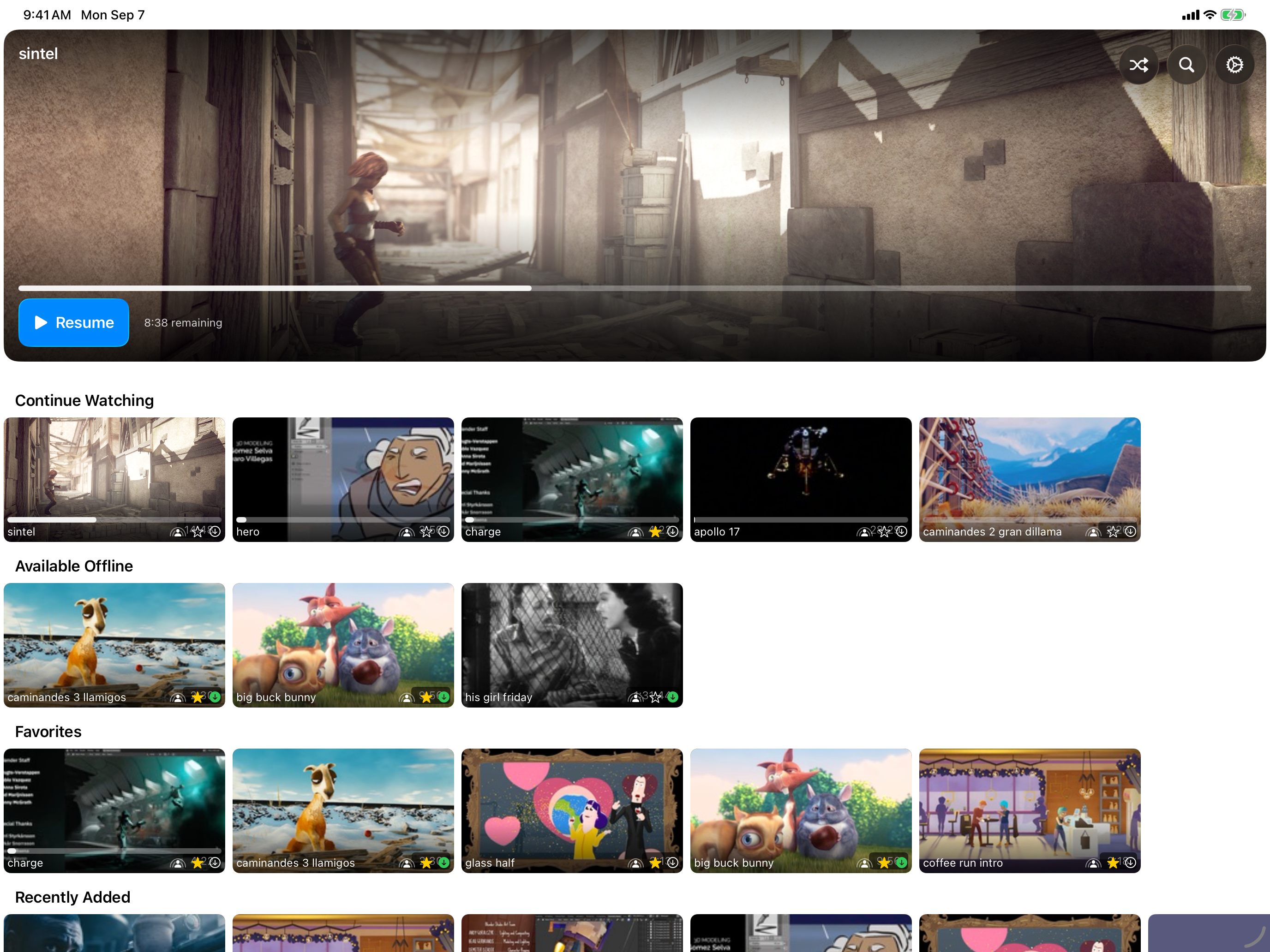
The Netflix-style Browse experience from iPhone, iPad, and Apple TV now lives on the Mac too. A rotating hero carousel, Continue Watching and Favorites rows, and instant search, in a pane you can collapse when you just want to watch.
In Progress at the top, then what lives on this device -- and on a connected drive, when you have one. Everything you've saved, in one place, for everyone.
When a video won't play on this device, shuffle notices and stops landing on it. Nothing to switch on, and no Pro required.
Start a watch party from any video row or card. Voting lives in a drawer that keeps the video in view, and the group only votes on what everyone can play.
Add a server or change a password on one device and the others pick it up before their next connection attempt. No relaunch, no waiting.
Everything your library deserves
Start for free with shuffle and streaming. When you want more, a one-time Pro upgrade opens up the Browse experience, downloads and a drive you can take with you, unlimited shares, shuffle modes, and SMB over QUIC.
Smart Shuffle
Hit shuffle and let the app surprise you. It avoids what you've seen recently and learns which videos this device can't play, so it stops landing on them -- free for everyone. Pro adds More Like This and Diverse.
SMB, NFS & WebDAV
Your NAS, your way. Connect over SMB, NFS, or WebDAV -- even HTTPS servers. If your device can see the share, RandomPlayer can play from it.
SMB over QUIC
Reach your share over the internet on encrypted UDP 443 -- no VPN. Fetch the server's certificate with Get from Server, confirm it once, and connect from anywhere. Your server needs SMB over QUIC switched on -- Samba 4.23 and newer and Windows Server 2025 are verified; most NAS boxes don't offer it yet.
Netflix-Style Browse
Gorgeous card thumbnails with animated previews, a rotating hero carousel, smart rows like Continue Watching and Favorites, and instant search across your whole library -- on iPhone, iPad, Apple TV, and now on the Mac, too.
Downloads & Offline
Save videos for the road into a Downloads screen of their own: In Progress at the top, then On My iPhone or On This Mac for what's already here. Plug in a drive and it appears as a second place your downloads can live. Everything stays encrypted.
Encrypted Cache
Every cached file is encrypted on your device, and keys sync securely through iCloud. Your content stays private, always.
Offline Mode
Lost your connection? No worries. The app automatically shows what's available offline so you never miss a beat. Works best with Pro downloads.
SharePlay Watch Parties
Grab your friends and watch together. Everyone nominates picks, the group votes, majority wins. Movie night, democratized.
Every Apple Device
Feels right at home on iPhone, iPad, Apple TV, and Mac -- Browse included, on all four. Each version is built for its platform, not a one-size-fits-all compromise.
AirPlay & Picture-in-Picture
Cast to your big screen with AirPlay or keep watching in a floating window while you do other things. Your video, your way.
MKV & WebM Playback
Drop in your MKV and WebM files -- they just work. Real thumbnail previews too, not generic file icons.
Smart Tags from Folders
Your folder structure automatically becomes browsable tags. Genre, series, year -- whatever you've organized, it's instantly filterable.
iCloud Sync
Set up once, enjoy everywhere. Watch history, favorites, server profiles, and credentials all travel with you across devices.
Favorites
Heart the videos you love. They get their own row in Browse and sync across all your devices, so your go-to picks are always one tap away.
Ready for more?
RandomPlayer is free to use and always will be. When you want the full experience, a one-time Pro upgrade unlocks everything -- no subscriptions, no recurring fees.
Browse Experience
Netflix-style Browse with card previews, smart rows, a rotating hero carousel, and instant search -- now on the Mac, too.
Downloads & Offline
Save videos to your device, encrypted and waiting in a Downloads screen of their own when your server isn't there.
Unlimited Shares
Connect every server you have -- home, office, a friend's library -- each with its own playlist and watch history.
Take It With You
Fill a drive from your NAS and play it on your own iPhone, iPad, and Mac signed in to the same Apple Account.
Shuffle Modes
Add More Like This and Diverse to your shuffle, so the playlist leans in or wanders on command.
SMB over QUIC
Reach your share over the internet on encrypted UDP 443, no VPN needed, when your server supports it.
Feels right at home, everywhere
Built from the ground up for each Apple platform. One purchase covers them all.
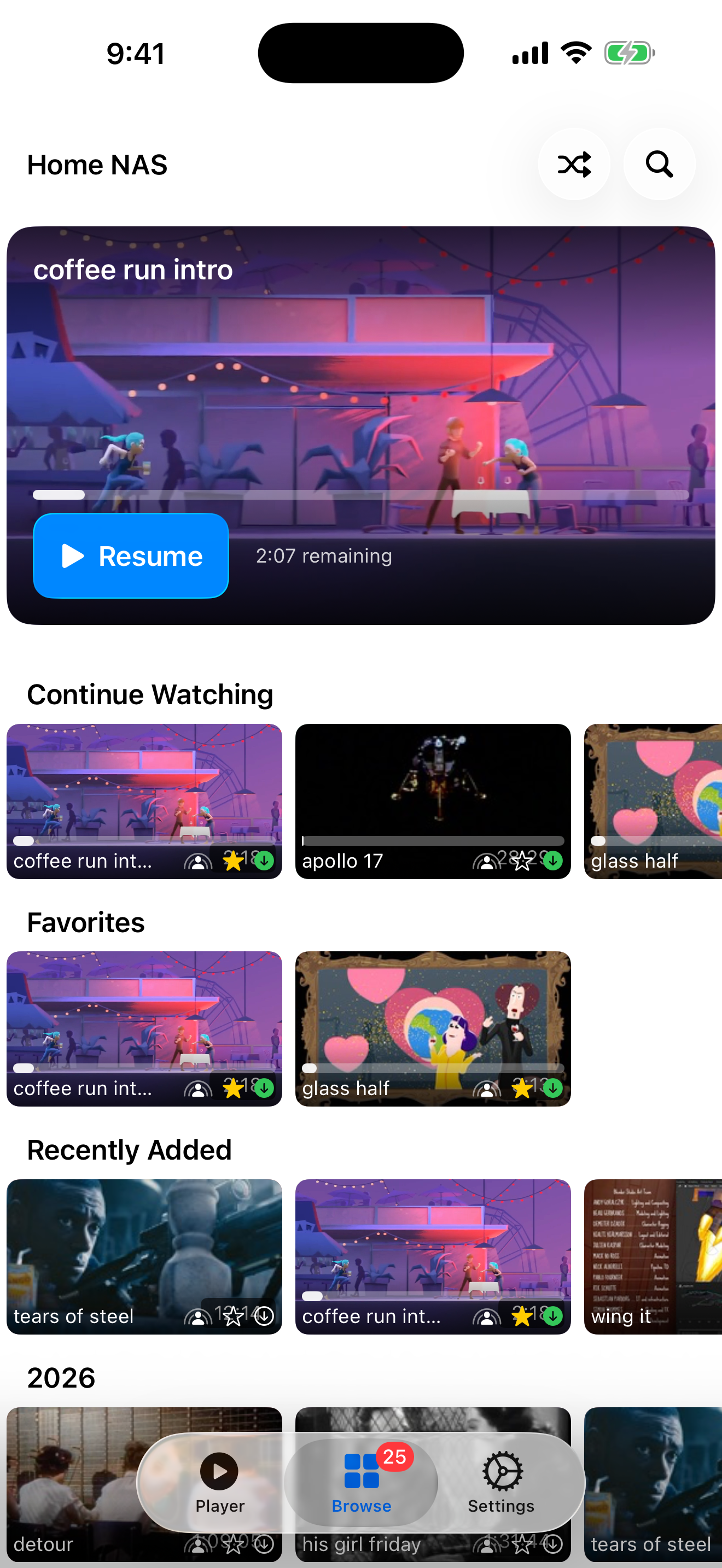
Your whole library, right in your pocket
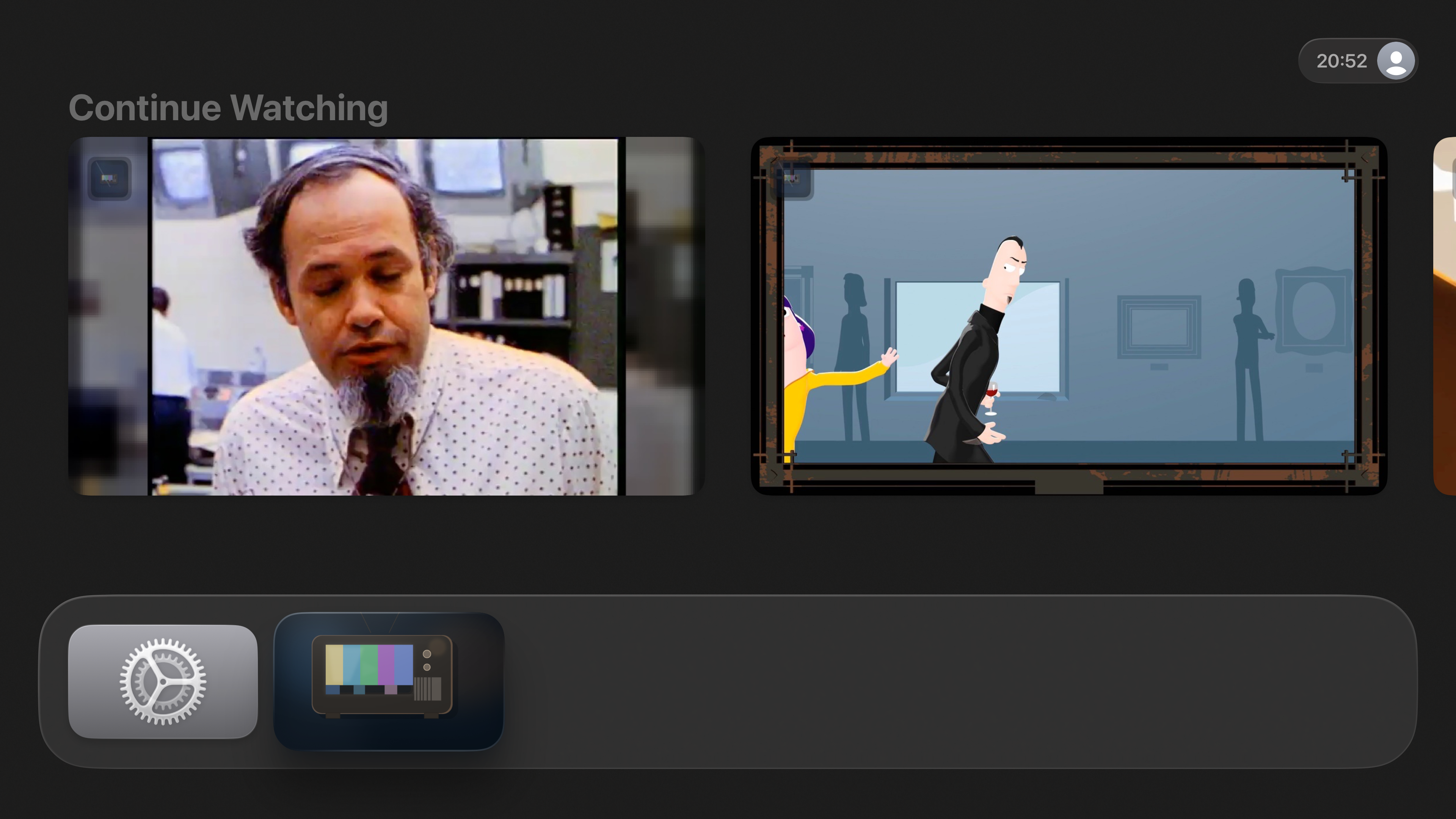
Up and running in minutes
Three steps to your own personal streaming service.
Connect
Point the app at your NAS or shared folder. Your login syncs to all your devices -- you only set it up once.
Browse
Explore your library with gorgeous cards, animated previews, and instant search -- or keep it simple with a classic list.
Play
Hit shuffle and let the good times roll. Pick up where you left off, on any device.